
Featured project · 04
Urban Designer
Solo Developer · AI Tool · Procedural 3D
Describe a town, generate a starting point, then shape the layout yourself.
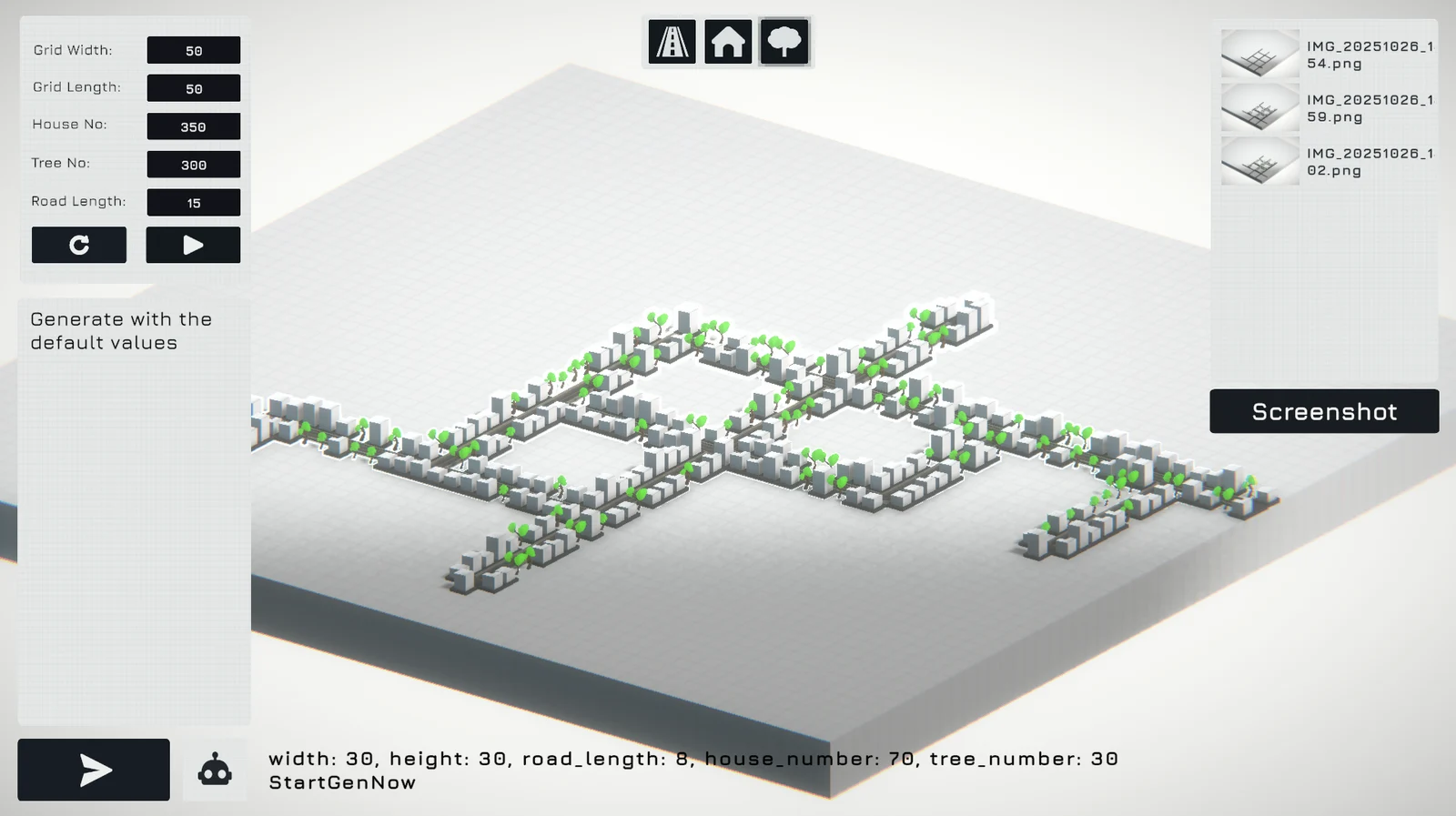
Get the first version into the world
A town takes shape through many small placement decisions. Urban Designer explores how to get an initial layout on screen sooner, so a creator can spend more of the session judging the composition and trying ideas.
The tool combines Gemini-powered natural-language input, an L-system for procedural generation, and interactive layout controls. The central promise is a useful starting point that the creator can continue to direct.
Turn an instruction into a scene
I built the Unity tool and connected it to the Gemini API through a Node.js backend. Natural-language commands feed into world-building operations such as placing objects, scattering assets, and generating houses and trees.
Those operations give the AI output a concrete job inside the scene. Procedural rules handle repetition across a town, while the interactive controls let the creator make local decisions about the result. That balance matters: an interesting generated layout still needs a human eye.
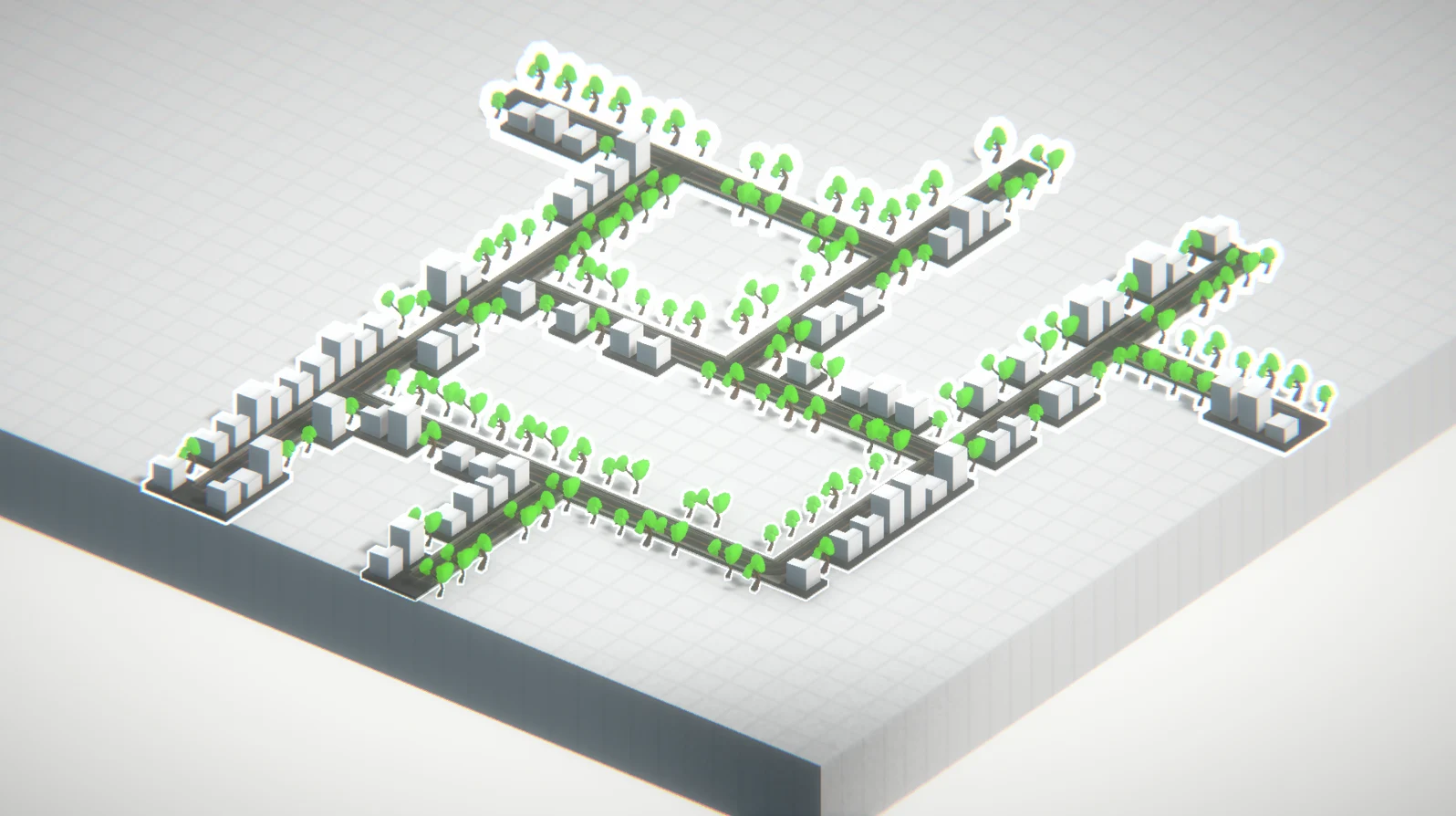
Keep the creator in the loop
Generation and manual layout design belong in the same workflow. A creator can explore a broad arrangement and then work with its individual parts, rather than treating each generated result as a finished answer.
The downloadable project is available on itch.io and listed as in development. It brings an AI service, procedural systems, and editable 3D interaction together in a working prototype.
An idea you can edit
The strongest use of generation here is to make exploration easier. Urban Designer puts a layout in front of the creator and gives them a way to keep shaping it.